

ClearPageClearPage

A free, offline iOS app that re-renders text from any photo or screenshot in a dyslexia-friendly layout — your spacing, your typeface, your colors.

Smoothing the digital path for everyone.

A dog, a marker, one line

ClearPage began as a single marker drawing of Horus, my border collie — ears back, mid-sniff, his body curling into the letter C. That one unbroken line became the whole brand: a friendly guide who finds what you're looking for and brings it back in a shape you can read.

The idea behind the app is the curb cut effect: ramps cut into curbs for wheelchairs ended up helping everyone — strollers, suitcases, delivery carts. ClearPage is a curb cut for reading.

The picture in my head is simple. A kid at school snaps the worksheet and reads it like everyone else — no struggling, no falling behind, no shrinking in their seat. Someone on a train or a plane settles into a peaceful reading session, in their own layout, at their own pace — in the classroom with no Wi-Fi, in the tunnel, at 10,000 meters, because everything runs on the device. Reading should never be the hard part.

What it does

Scan anything

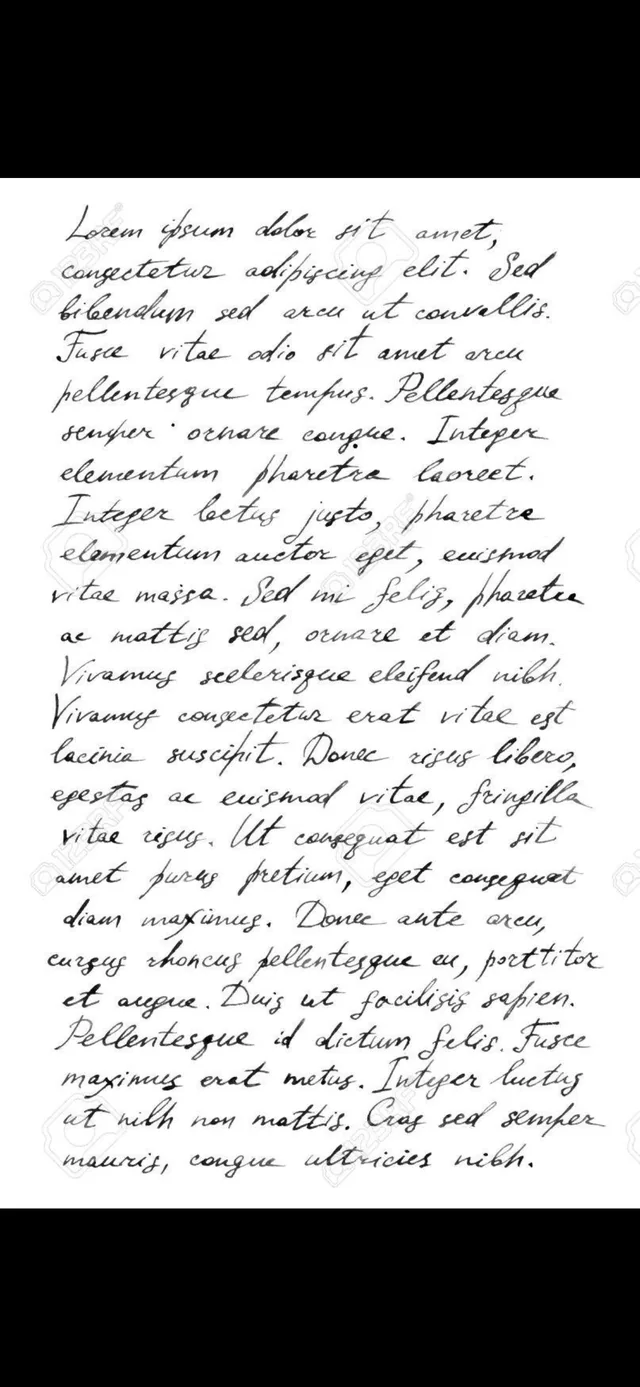
Photos, screenshots, the camera, or anything sent via the Share Extension — text recognition runs entirely on-device with Apple Vision, in English, Spanish, and German.

On-Device OCR EN · ES · DE Share Extension

Read it your way

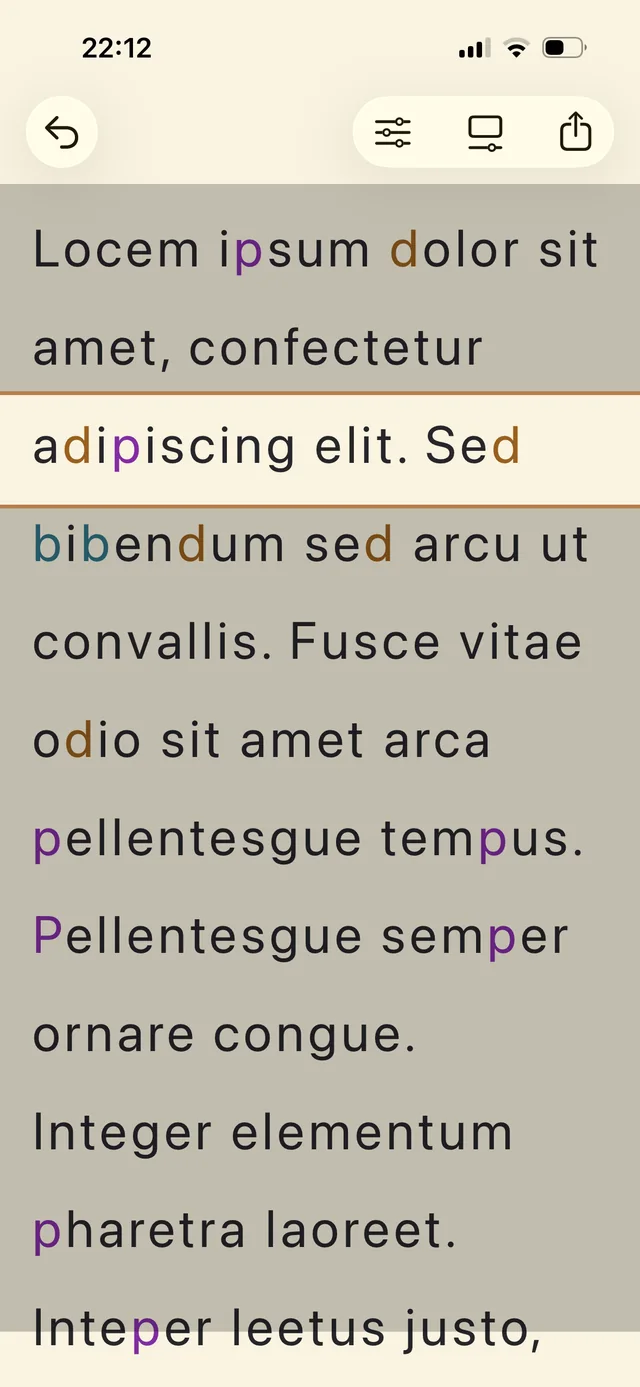
Adjustable letter spacing, line height, and text size up to 80 pt; dyslexia-friendly typefaces; low-stimulus background tints; and per-letter color anchoring for confusable glyphs like b, d, p, and q.

Adaptive Layout OpenDyslexic Letter Anchors

Live & aloud

Live hover mode reads continuously through the camera in your layout. Read Aloud speaks the text on-device with word-by-word highlighting, and a draggable reading ruler dims the surrounding lines.

Live Hover Read Aloud Reading Ruler

Everywhere you read

A first-launch calibration ("which feels easiest to read?") derives your profile, then follows you: Siri and Shortcuts, the Action Button, a Home Screen widget, and the Share Extension from any app.

Calibration Siri & Shortcuts Widget

Math, decoded

Turn on Math Power and symbols that look alike — ∈ and ⊂, < and > — get their own color. Tap any symbol for a plain-language meaning card, and Read Aloud speaks formulas in words: "x is an element of the real numbers."

Math Power Symbol Glossary Spoken Formulas

Private by default, free by design

ClearPage works fully offline. There are no accounts, no network requests, and no analytics — your photos and your reading profile never leave your device. Like everything I build, it's free: no ads, no subscription, nothing to unlock. The full details are in the ClearPage privacy policy.

Accessibility isn't a feature, it's the point

  • Fully localized in English, Spanish, and German — matching the OCR languages.
  • Reading sizes scale with Dynamic Type, up to roughly 3× beyond the 80 pt slider for low-vision readers.
  • VoiceOver-labeled controls throughout; animations respect Reduce Motion.

Get it & what's next

ClearPage app icon — Horus drawn in one line on a warm cream background

ClearPage is in open beta — anyone can install it right now through TestFlight. The App Store release follows once the beta has settled.

On the workbench

  • Dyscalculia support shipped in the beta — Math Power restores and explains the symbols OCR mangles (∈, ⊂, ℝ…). Next: the same care for digits and quantities. Same curb, more cuts.
  • Lock Screen and Control Center controls, plus a Smart Stack widget.
Horus sniffing along a dotted trail — work in progress